← All apps
PayShift
Live on the App Store

Control your checkout payment & shipping methods.

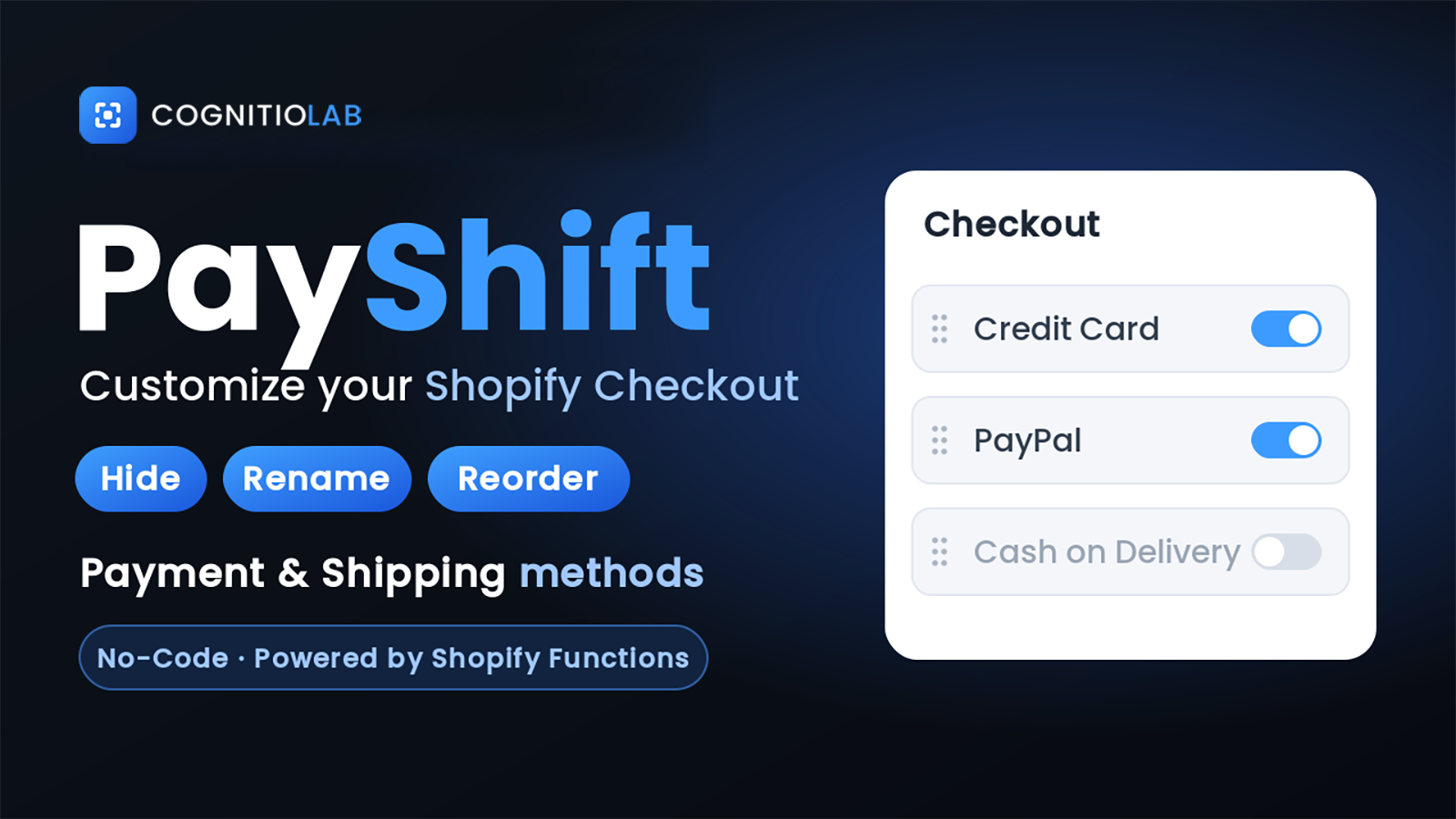
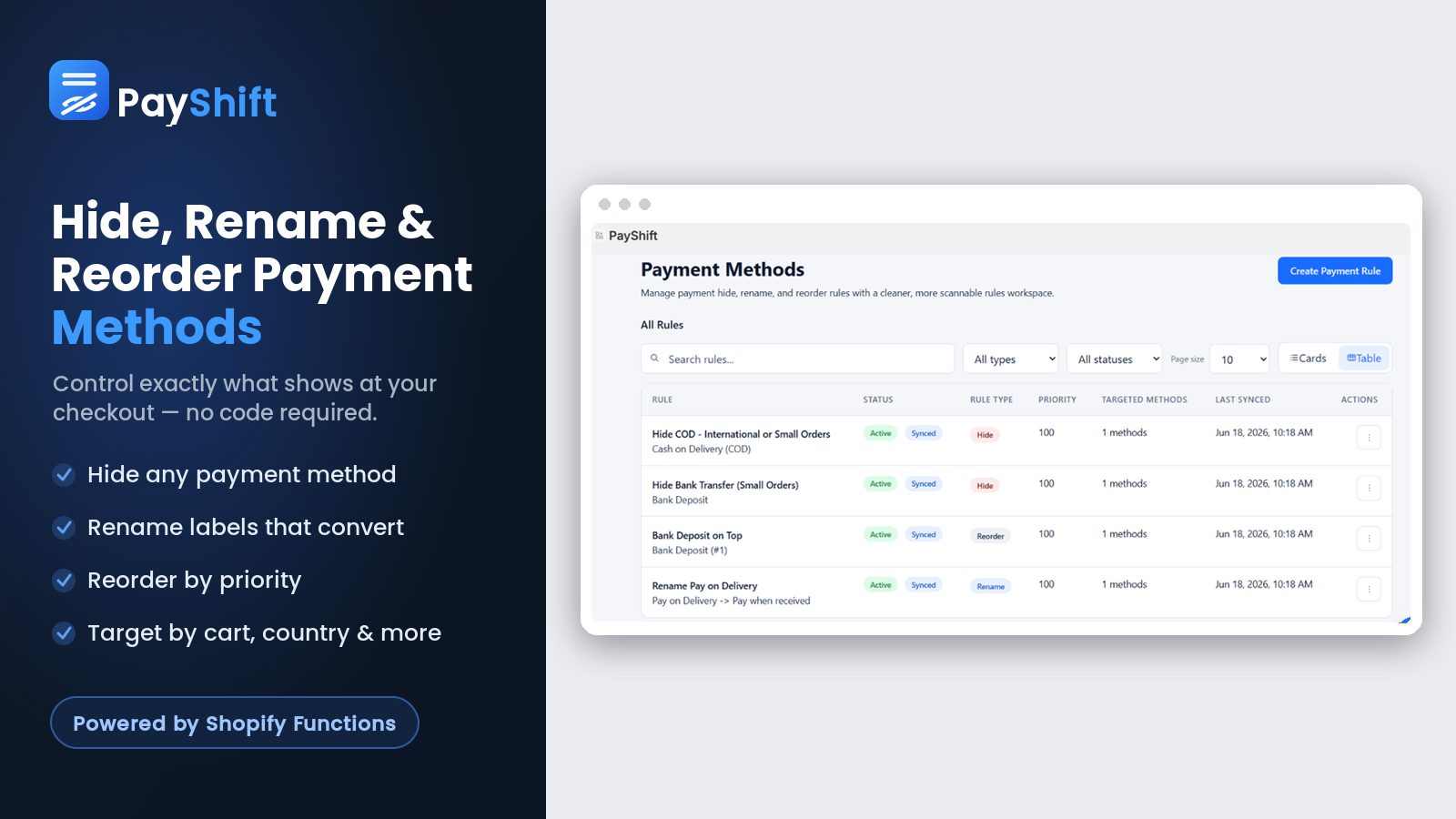
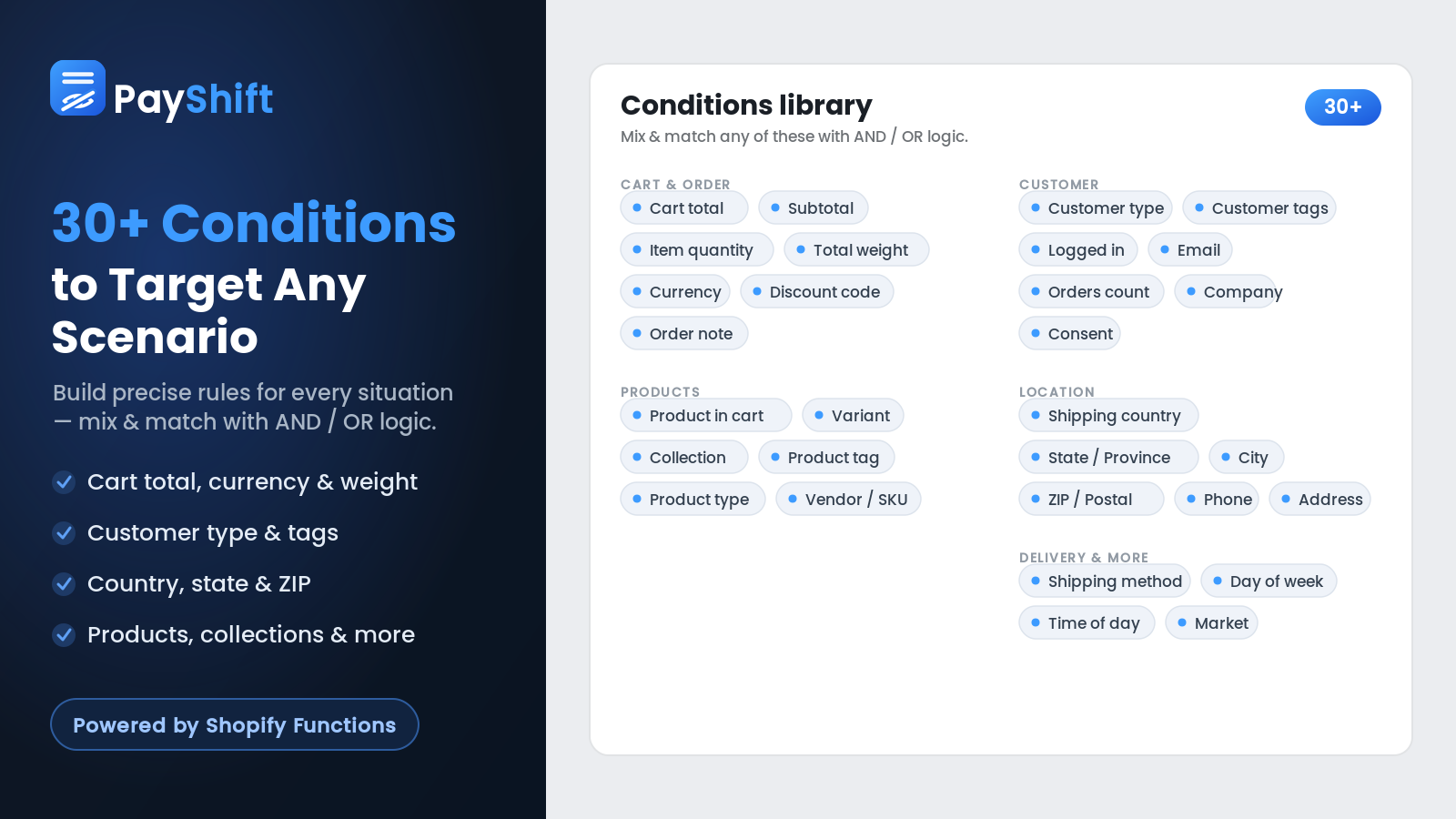
PayShift lets you hide, reorder, and rename payment and shipping methods at checkout — with rules based on cart value, location, products, and more. No code required.

What PayShift does

Three simple rule types, endless combinations.

Rename methods

Turn a confusing gateway label into a name customers trust — like showing "JazzCash" instead of "Online Payment Options." The fastest win at checkout.

Hide methods by rules

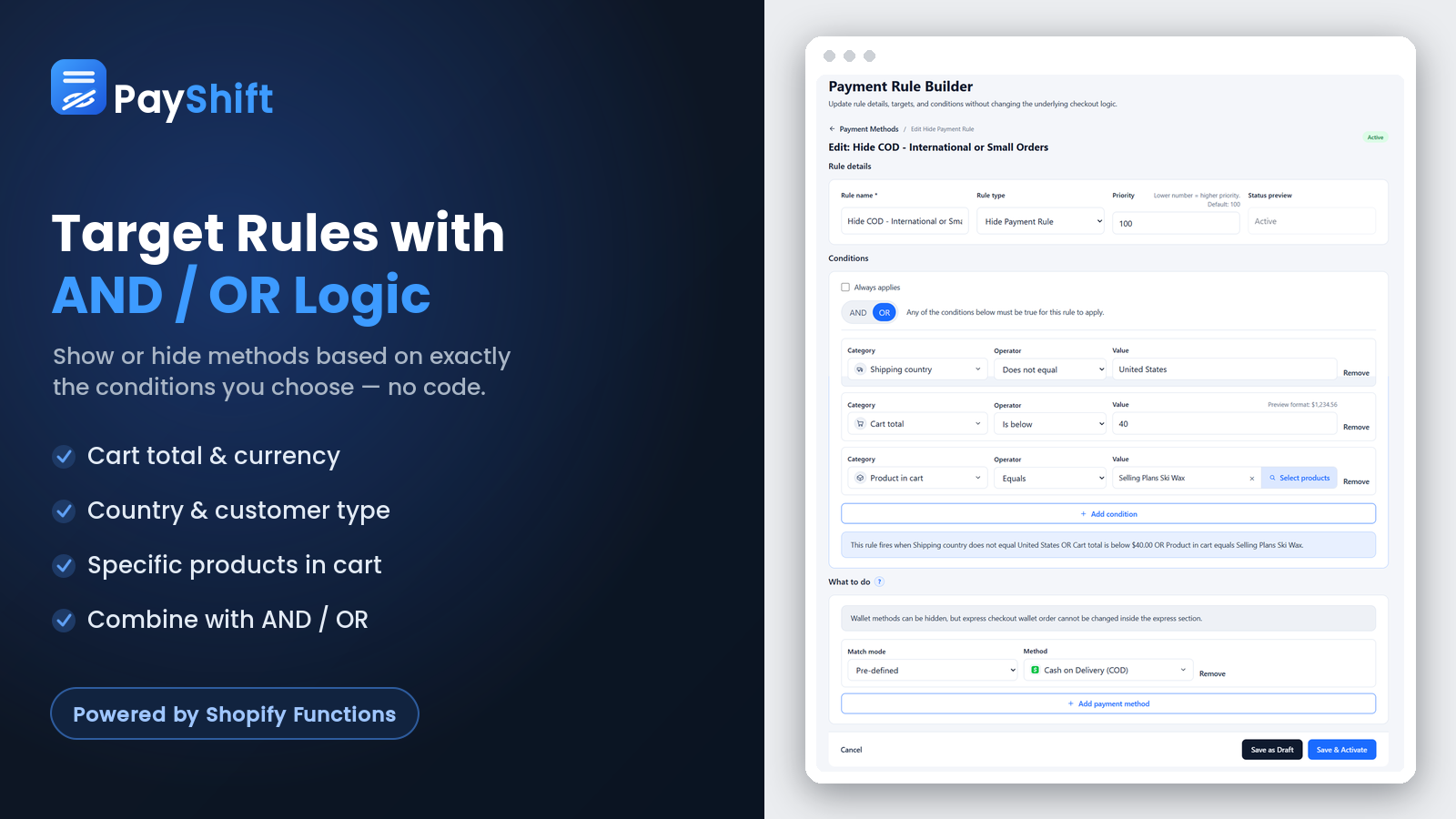
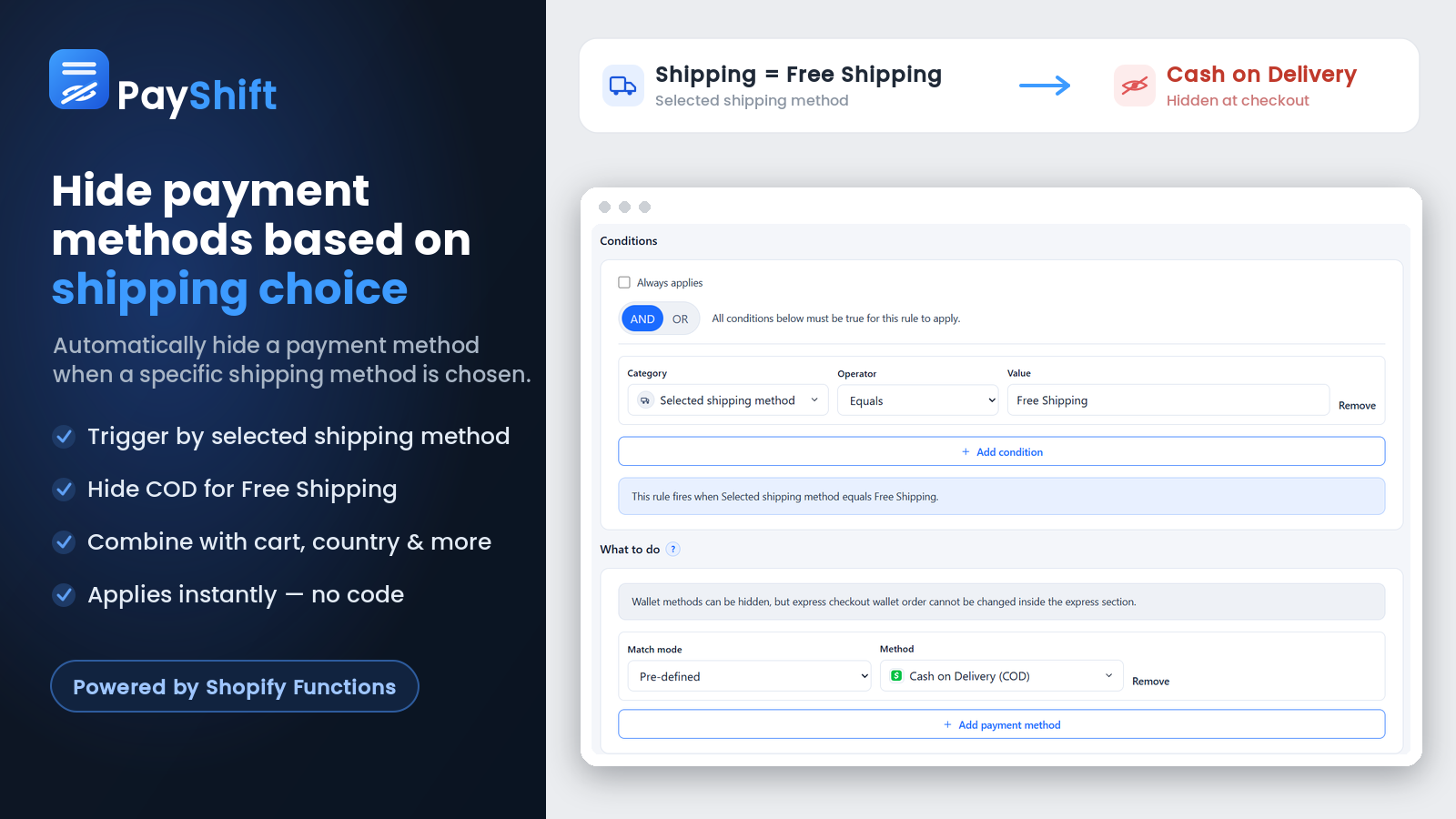
Hide Cash on Delivery over a cart value, restrict a method by country, or hide a payment option when a certain shipping method is chosen. You set the condition; PayShift enforces it.

Reorder methods

Put your preferred payment or shipping option first, so the choice you want customers to make is the one they see at the top.

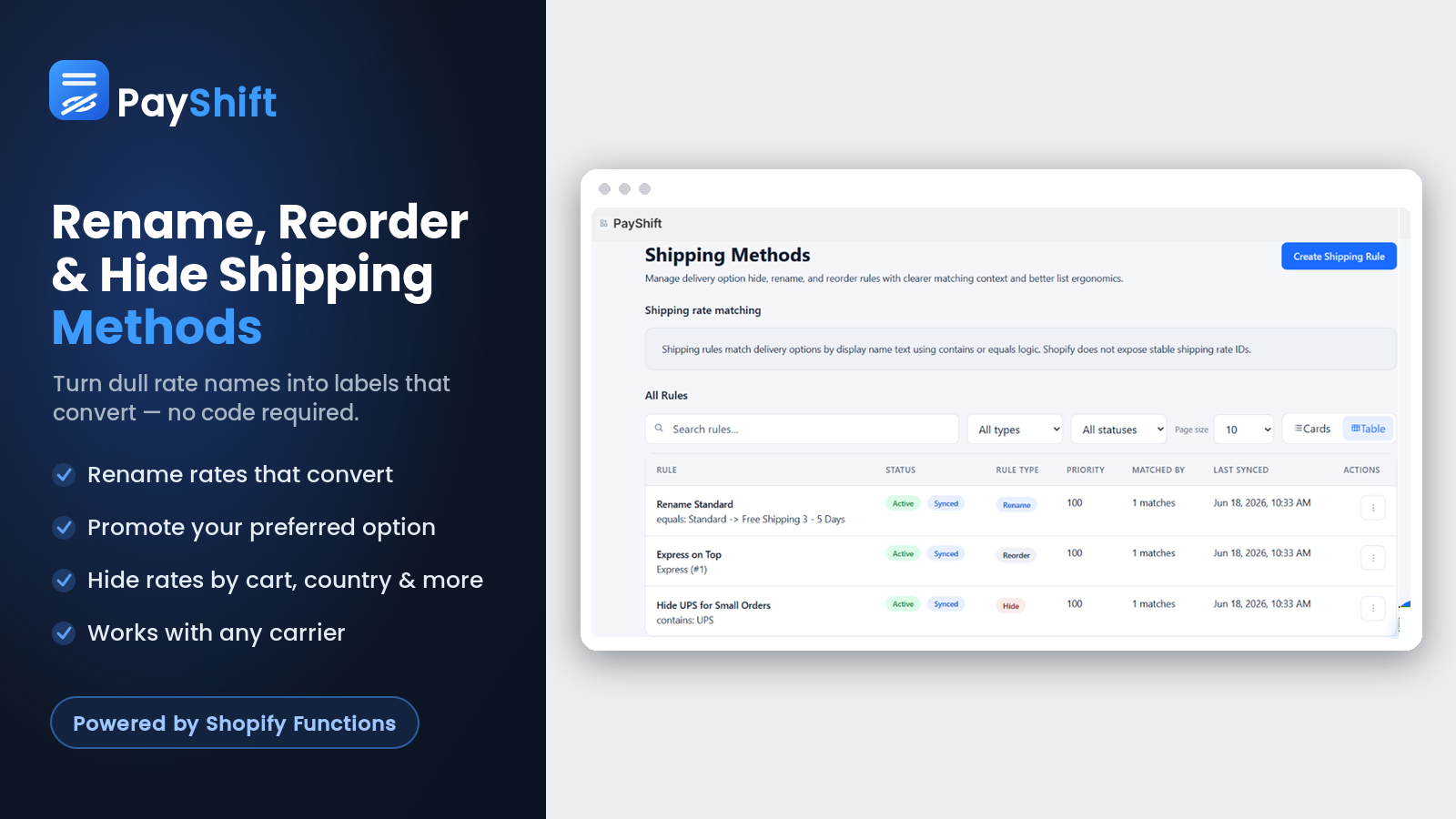
Works for shipping too

The same hide, rename, and reorder rules apply to shipping methods — clean up your delivery options exactly the way you clean up payments.

No code, live instantly

Build a rule in the dashboard and it's active at checkout right away. No theme edits, no developer, no waiting.

We'll set it up for you

Not sure how to build a rule? Message us and we'll configure it for you — free. Real help from the people who made the app.

Live in three steps

No code, no theme edits, no waiting.

1

Install PayShift

Add PayShift to your store for free and open it right from your Shopify admin. Nothing to configure in your theme.

2

Create a rule

Choose whether to hide, rename, or reorder a method, then pick the payment or shipping option you want to change.

3

Set conditions & save

Add any conditions — cart value, country, products — and save. Your rule is live at checkout instantly.

Who PayShift is for

Real problems merchants solve with a single rule.

Stores using local gateways

Rename a confusing gateway label to a name customers instantly trust — like showing "JazzCash" instead of "Online Payment Options" — so shoppers don't hesitate at checkout.

COD-heavy stores

Hide Cash on Delivery on high-value orders to cut return-to-origin losses, or restrict it to the regions where it actually works for you.

International stores

Show or hide payment and shipping methods by country, so every customer sees only the options that make sense for where they are.

Any store wanting a cleaner checkout

Reorder methods to put your preferred option first, and remove clutter so shoppers reach the checkout button faster.

★★★★★
"Life saver."
SH Collection · Pakistan · Shopify App Store

Guides & tutorials

Step-by-step walkthroughs for common setups.

How to hide a payment method in Shopify

How to rename a shipping method in Shopify

Advanced checkout rules with AND/OR logic

Frequently asked questions

Everything you need to know before you install.

Do I need to edit code or my theme?

No. Everything is done from the PayShift dashboard — create a rule and it appears at checkout instantly, with no theme edits and no developer needed.

Can I rename a payment gateway label?

Yes. Rename any payment method to a clearer name your customers recognise — for example, showing "JazzCash" instead of a generic gateway label like "Online Payment Options."

Can I hide a payment method based on the cart?

Yes. Hide methods based on conditions such as cart total, country, products, or the shipping method selected — for example, hiding Cash on Delivery for high-value orders.

Does PayShift work for shipping methods too?

Yes. The same hide, rename, and reorder rules apply to shipping methods, so you can tidy up your delivery options the same way you tidy up payments.

Is PayShift free?

Yes — PayShift is free to install and use on your store, with no credit card required.

What if I need help setting up a rule?

Message us and we'll build the rule for you — free. You reach the people who made the app, usually within minutes.

Clean up your checkout in minutes.

PayShift is free to install — try it on your store today.

Get PayShift free